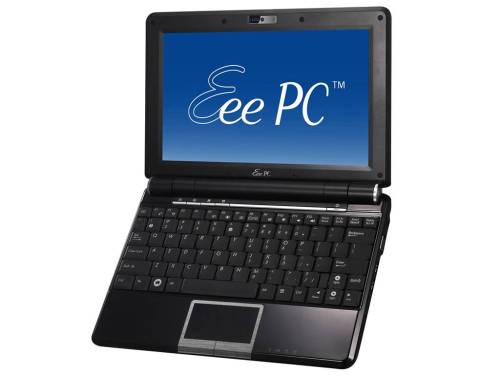
Upgrading your Eee PC 1000H to Windows 7? Read this

If you still have your old Eee PC 1000H and you wish to upgrade from XP to Microsoft’s latest and greatest operating system, Windows 7, then you must read Asus’s upgrade path first.
Basically, it involves a BIOS upgrade first, then installation of Windows 7, and then the drivers. Afterwards you get information on the Super Hybrid Engine and the Asus Update software.
[via]






November 21st, 2009 at 9:49 pm
I did the upgrade last week, before they added the tutorial and more drivers. It mostly worked. Yesterday I re-installed the drivers as per the tutorial and now everything works on my 1000HA. Mine dual boots to Linux so I had to re-install my grub loader to recover the mbr so I can still dual boot.
November 22nd, 2009 at 9:43 pm
And how is battery performance affected? I heard win7 sucks battery power a lot more than xp (30-40% less – which really is a problem for me). Have you experienced anything like this?
November 22nd, 2009 at 11:47 pm
I haven’t really used W7 enough to say one way or the other. I mostly use Ubuntu. I would think a lot has to do with your power management settings, whether you use Aero, etc.