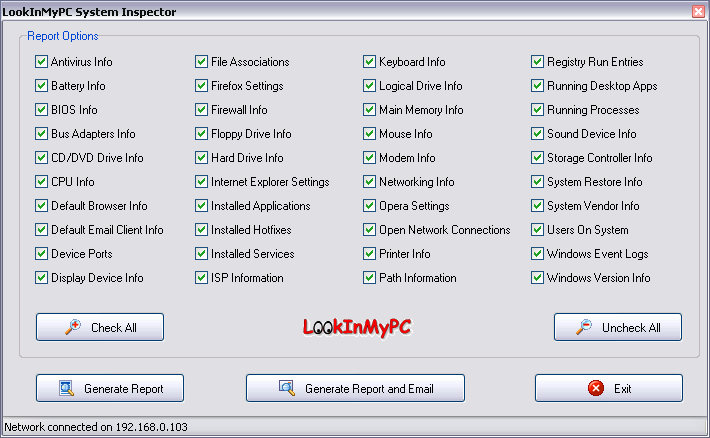
So let’s say you run into a bit of a problem with your beloved netbook and you can’t quite remember what are the specs of your Eee PC. You’d take a peek into your PC’s manual to find the specs, but the problem is that the manual’s nowhere to be found. What do you do?
Before you panic and/or rip out your computer’s guts just to figure out what exact model number your motherboard has, there’s actually an easier way to figure out your computer’s specs – both hardware and software. Just download and install LookInMyPC, a tool that generates a complete, comprehensive system profile that includes information on all installed hardware and software. Additionally it provides system diagnostic information such as details on running processes, installed services, startup programs, Windows updates and hot fixes, active network and Internet connections, TCP/IP port usage, event log detail, and much more. All this is provided in an easy to read, formatted report that you can view and print using your web browser.
So instead of spending hours poking into your computer – or your computer illiterate next door neighbor’s PC – LookInMyPC will give you a report in no time, and you’d be able to figure out what’s wrong with it and get down to business in no time. The utility won’t make any changes to your system at all, no matter what issues it identifies. The reports open up in a browser window and many of the results—like system hardware vendors and application names—are hyperlinked so you can quickly Google-search things you don’t recognize.
[via]



