If you are looking for some excellent netbook system optimization applications and diagnostic tool, you are at the right place. In this piece of writing we have included many free netbook applications which will include some of the great optimization and diagnostic tools for the netbook users. Using netbook from last 2 years, I have tested each software showcased below and suggest you to give it a try and install which suits your system needs.
1. Defraggler
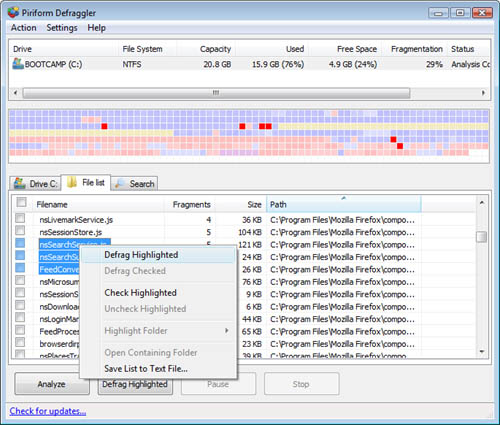
This software is used to defrag the files as well as the entire hard drive. Defraggler is an ultimate Windows application and supports both FAT32 and NTFS file systems.
2. CCleaner
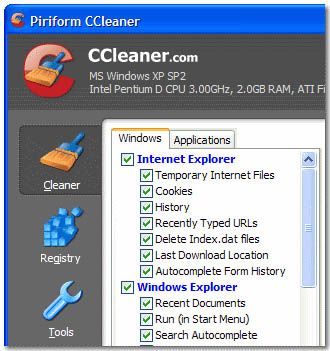
When the netbook is stuffed with lots of unwanted files, the Windows run slower which is quite irritating. If you are facing this problem, CCleaner is the best software for you. This basically is a cleaner for your netbook, which removed all the unnecessary files and cleaning registry making your Windows work faster. It is free and need a USB port to run.
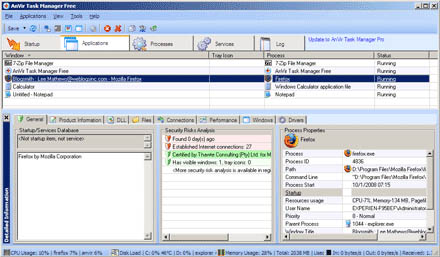
This tool is used to replace the Windows Task Manager from your Netbook. AnVir Task Manager Free manages each and every application running on your system.
4. Speccy
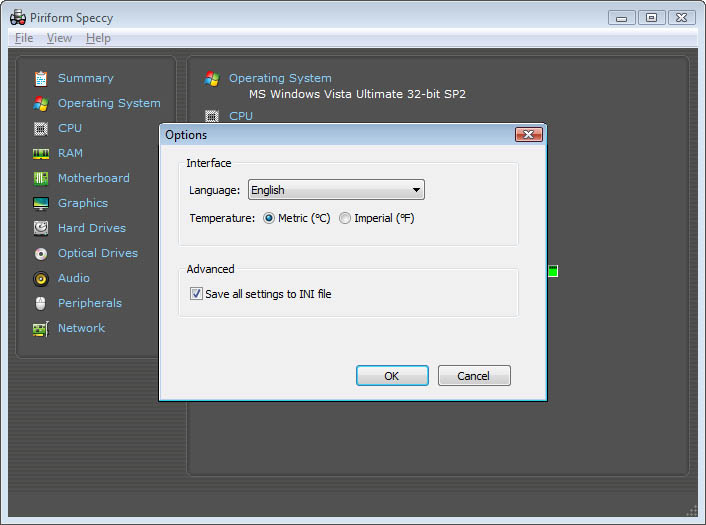
This software is very helpful to know the details about each and every piece of Hardware of your Netbook. It is actually an advanced system information tool.
5. DiskMax

This software is used to optimize the Windows Netbooks by removing the unwanted files, log files, cache files, temporary internet files and other junk.
6. TweakNow
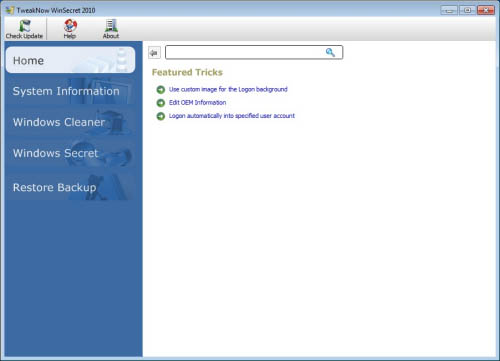
WinSecret – this is free software utility used to reveal secrets of the Windows Netbook. This software improved the system performance greatly.
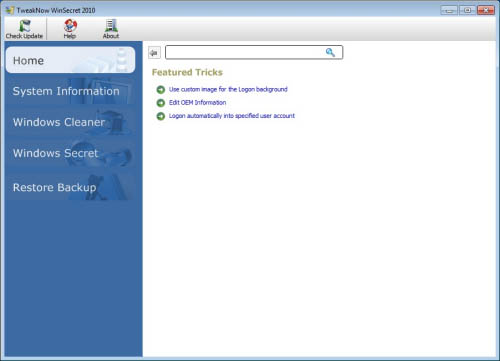
This is excellent software which configures your windows and improves its performance greatly so as to meet your personal needs.
8. SIW
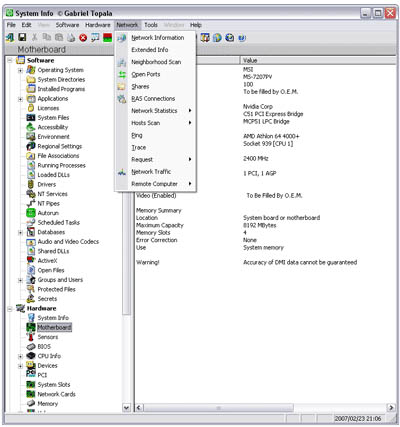
It is the free software designed for the Netbook users and is used to gather detailed information of the system.
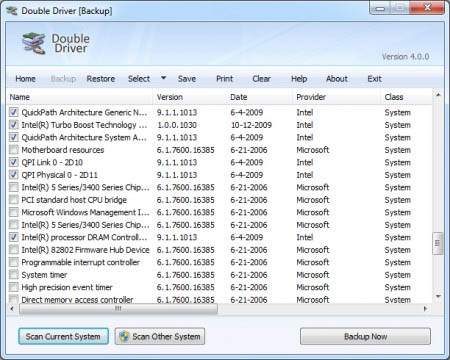
This is a free application designed specifically for the Netbook users. With this application you can view all of the drivers installed in your Netbook. This application also allows you to view the restore, back up, print and save the selected drivers.
10. Glary Utilities
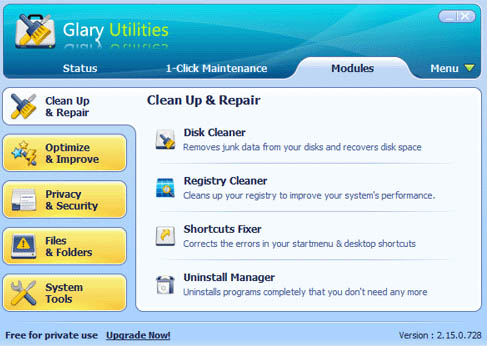
This software suite includes floppy cleaner, registry cleaner, duplicate file finder and start up manager.
Kevin, a charming guy who loves weekend parties and finding interesting stuff on staffing, recruitment, Adecco USA temp staffing services and other data on temp staffing. He is blogger by passion and designer by profession.



