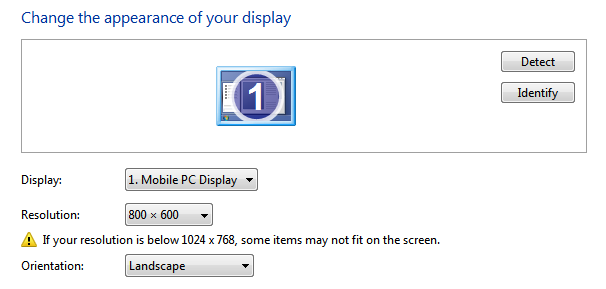
One of the worst things about netbooks is that the screen resolution’s too damn small. Okay I know that netbooks are made with portability in mind, and obviously there’s a much smaller amount of physical pixels you can fit in a 10 or 11-inch screen. The result? A cramped screen you have to squint at sometimes to look at properly. And other programs refuse to run on netbook resolutions as well, and that’s a hassle.
Fortunately, Netbooklive’s given us a tip on how to hack your Windows 7 netbook so you can get more virtual pixels out of your portable laptops. You can get up to 1024 x 768 and 1152 x 864 px res available for the 10 inch displays. Those aren’t HD displays, so it’s pretty obvious that you’re going to get squashed screens. Nothing can really substitute for a huge external monitor or a laptop with a 17-inch display if you want more pixels.
Remember, this hack works only on Windows 7 netbooks.
– Type in Win+R and put ‘regedit’ (without the quotes) into the box.
– Search for ‘Display1_DownScalingSupported’ and change the value from ‘0′ to ‘1′
Then you need to restart your computer. Afterwards you should be able to scale your screen resolution to something larger than your computer’s physical restraints. However, be aware that these tweaks might not work on all netbooks (it was tested by users on the 1000H, 1005He or the 1005HA Asus devices) and might cause software instability when changing between options.
You can also try the Netbook Resolution Changer if you don’t like hacking into your registry.
What do you guys think? Have you tried this?
[via]



